Brand Asset Management
Quit having to dig around for creative assets!
Xara simplifies your creative work by centralizing and organizing the content your team needs to get from draft to final delivery. Find, access, distribute and add value to your creative inventory.







Turn chaos into confidence
Most teams waste 16% of their time looking for files scattered across drives and channels. Give your team a place to easily access, share and add value to their work, consistently.

16% of your time is wasted looking for files.

50% of those are never found.

$38,000 per year wasted looking for files.
Creativity is was messy.
Deliver better work together.

Scale your brand’s visibility.
Transform your assets.
Start organizing your content today.
Your Digital Asset Library is powered by:
Asset centralization
Keep all your digital assets in one place for better access and control.
Branded asset distribution
Distribute the latest version of your branded templates and branding in one place.
Automatic branding
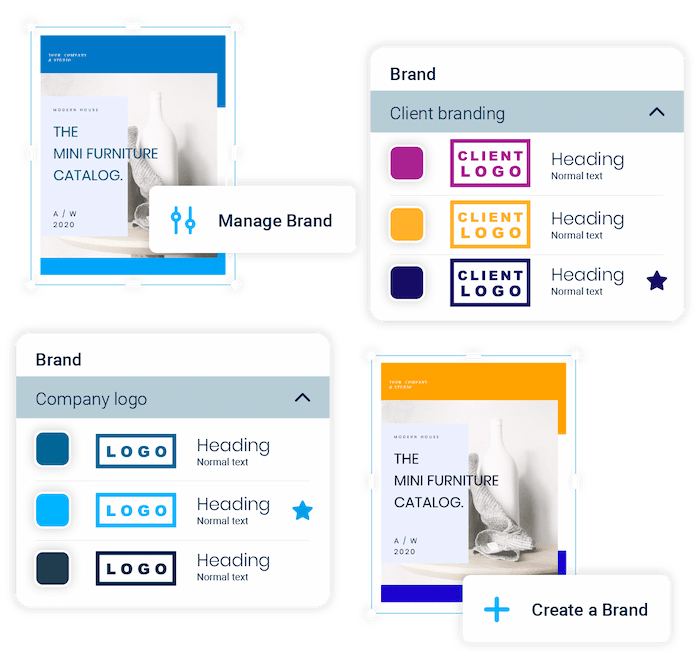
Make your brand memorable, without having to think about it.
Permission management
Decide who can access what files and who can make changes to them.
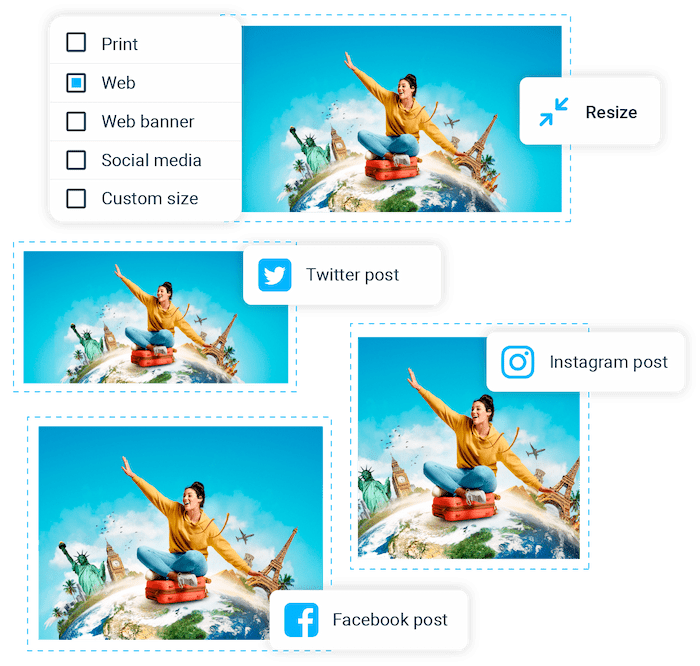
Asset transformation
Update files you’ve published instead of re-uploading. Download in any format.
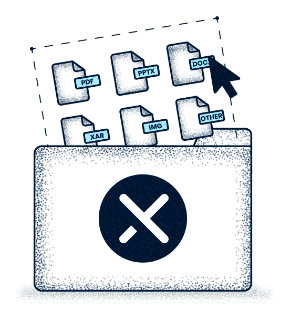
Bulk import any file type
Import and export any file: PDF, Word, Google Doc, Jpeg, Png, SVG or HTML.
Organize by taxonomy
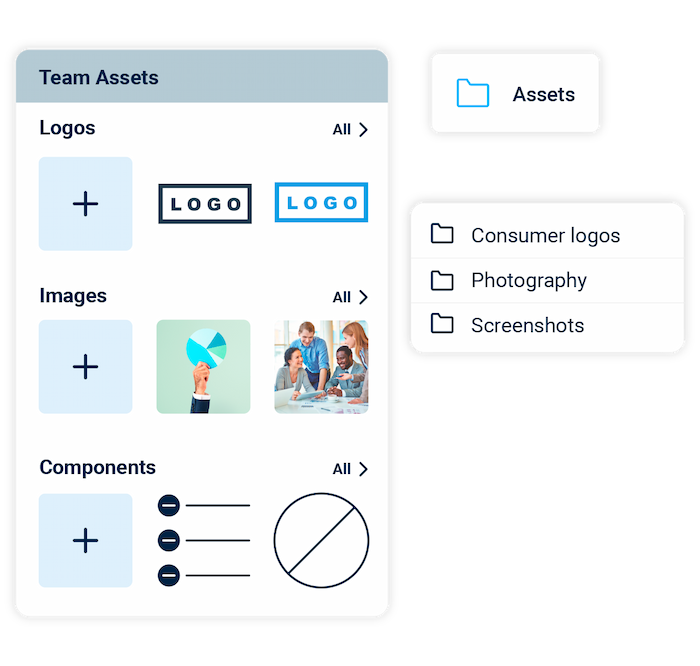
Your logos, images, components and documents are organized by file type.
Integrations
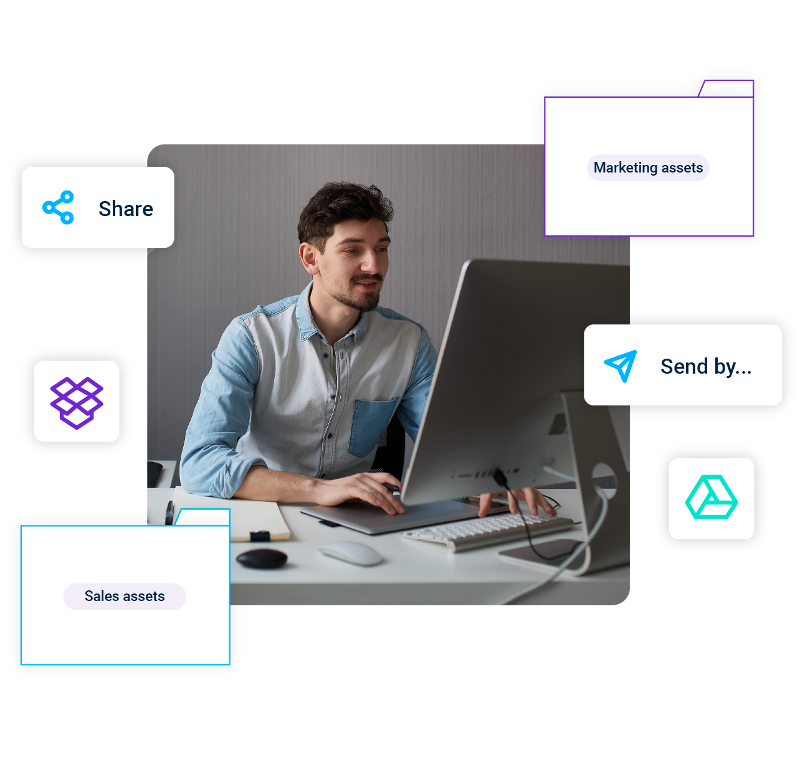
Seamlessly connect with your marketing stack and cloud drives to deliver better work, faster.
Creative asset distribution
Pictures, logos, and merged assets made visible and easy to share.
Dedicated asset bank
Keep your creative assets visible in your document, or ready to distribute.
Bulk merge assets
Save images, text, and tables to give users context and more possibilities.
Contributor notifications
Notify contributors when assets are made available or when they are required.
Ready to take control of your content?
Frequently Asked Questions
What is digital asset management (DAM)?
Digital asset management (DAM) is the practice and software category of centralizing, organizing, governing, and distributing a company’s digital files — such as logos, images, videos, brand templates, and finished marketing documents — so teams can find and use the right asset quickly without losing version control. A DAM system replaces scattered Google Drive folders and email attachments with a single source of truth for branded content.
What does a digital asset management system do?
A digital asset management system stores all your digital files in one searchable library, applies brand and access permissions, lets teams distribute the latest version to any channel, and tracks versions so no one publishes outdated content. The best DAM systems also let you transform assets without re-uploading.
Why do teams need a digital asset management tool?
Teams need a digital asset management tool because most teams waste roughly 16% of their time looking for files scattered across drives and channels, 50% of those files are never found, and the resulting lost productivity costs an estimated $38,000 per employee per year.
What's the difference between digital asset management and brand management?
Digital asset management focuses on storing, organizing, and distributing the underlying files, while brand management focuses on enforcing the rules of how those files are used (guidelines, locked templates, brand kits). Xara combines both — DAM library and brand controls live in the same workspace.
What's the difference between digital asset management and cloud storage like Google Drive or Dropbox?
Cloud storage like Google Drive and Dropbox stores files but treats them as generic documents — no built-in branding, no version-controlled distribution, no template logic, and no granular asset permissions. A DAM is purpose-built for creative and marketing teams, so files stay branded, on-template, version-controlled, and easy to repurpose.
What is Xara's digital asset management tool?
Xara’s digital asset management tool is a centralized creative inventory that stores, organizes, and distributes your team’s logos, images, components, templates, and finished documents in one place. It’s part of Xara Cloud and works alongside Xara’s brand management, collaboration, and content creation features.
What features does Xara's digital asset management include?
Xara’s DAM includes asset centralization, branded asset distribution, automatic branding, permission management, asset transformation, bulk import of any file type, organization by taxonomy, cloud drive integrations, creative asset distribution, dedicated asset banks, bulk merge of assets, and contributor notifications.
What file types can I upload to Xara's DAM?
You can bulk-import any file type into Xara’s DAM, including PDF, Word, Google Docs, JPEG, PNG, SVG, and HTML files. Files are organized automatically by taxonomy so teams find what they need by type, not by where it was last saved.
Can multiple people access the same assets in Xara?
Yes — Xara’s DAM is built for team access, with team folders, commenting, granular accessibility settings, and full editing control so multiple people can collaborate on the same assets simultaneously. Permission management lets admins decide who can view, edit, or distribute each asset.
Can I update an asset in Xara without re-uploading it everywhere?
Yes — Xara lets you update an existing asset in place rather than re-uploading and re-distributing a new version, so any document or template using that asset reflects the change automatically.
Can Xara automatically resize and reformat assets for different channels?
Yes — Xara includes asset transformation features that let you resize, reformat, and repurpose static documents and creative assets with one click, turning a single piece of content into versions for Facebook, Instagram, Twitter, print, or other formats.
Does Xara apply brand assets automatically?
Yes — Xara automatically applies your brand assets (logos, colors, fonts) to every document created from a template, so all output represents your business consistently without manual styling.
"Does Xara's DAM integrate with cloud storage like Google Drive, Dropbox, or OneDrive?
Yes — Xara integrates with Google Drive, Dropbox, OneDrive, and other cloud storage and marketing tools, so you can connect your existing asset libraries rather than migrating everything at once.
Can I notify my team when a new asset is available?
Yes — Xara includes contributor notifications that alert team members when new assets are available or when their input is needed, keeping creative workflows moving without manual chasing.
How is Xara different from a traditional enterprise DAM like Bynder or Brandfolder?
Xara differs from traditional enterprise DAMs by combining asset management with a built-in creation environment — so the same place where assets are stored is also where teams create, edit, and publish branded content. Traditional DAMs are storage-and-distribution-first; Xara is storage, branding, creation, and distribution in one workflow.
Is Xara's DAM good for small marketing teams?
Yes — Xara’s DAM is well-suited for small marketing teams because it requires no IT setup, has a 1-minute signup, and combines asset storage, branding, and document creation in one tool, giving a small team the leverage of a much larger one.
Is Xara's DAM good for real estate brokerages?
Yes — Xara’s DAM is widely used by real estate brokerages to centralize agent headshots, brokerage logos, listing photos, and branded templates, with permission controls that let agents customize what they need while keeping brand-owned elements locked. It pairs with Xara’s MLS integration.
Can agencies use Xara to manage assets for multiple client brands?
Yes — Xara supports multiple brand kits and granular permissions in one workspace, making it well-suited for agencies that manage many client brands and need to keep each client’s assets cleanly separated, on-brand, and accessible to the right team members.
Is Xara's digital asset management free to try?
Yes — Xara offers a free trial of its digital asset management with no credit card or phone number required and a 1-minute signup. Paid plans unlock advanced collaboration, brand controls, and team features.
How do I get started with Xara's DAM?
Sign up for a free Xara account at cloud.xara.com — no credit card required — bulk-import your existing assets from Google Drive, Dropbox, or your computer, and invite teammates. From there you can set permissions, create branded templates, and distribute assets across channels.